How to Use Birds of Paradise in Cricut Design Space (and Weld It)
Getting a script font to cut cleanly on a Cricut takes two extra steps: tightening the spacing and welding. Here is the full process for Birds of Paradise.
Editorial team · First published .
Quick answer
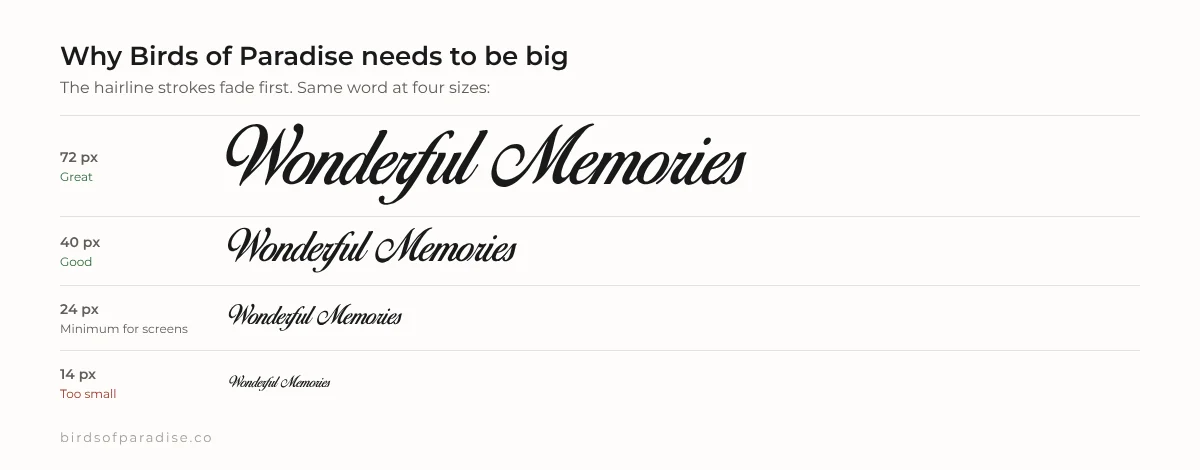
Install the Birds of Paradise .ttf on your computer, restart Cricut Design Space, and select it from the System fonts list. Type your text, reduce letter spacing until the letters touch, then select the text and click Weld so it cuts as one connected piece. Keep it at least about 2 inches (5 cm) wide so the thin strokes don't tear.
Step 1: Install the font on your computer
Step 2: Find it in Design Space
Step 3: Close the gaps
Step 4: Weld
Sizing tips so it actually cuts
A note on selling
Frequently asked questions
Why is Birds of Paradise not showing in Cricut Design Space?
Design Space only loads system fonts when it starts. Install the .ttf, fully close and reopen Design Space, and set the font filter to System. Restart your computer if it is still missing.
How do I connect cursive letters in Cricut?
Lower the letter spacing until the letters overlap, then select the text and click Weld. This turns the word into one shape that cuts cleanly.
Can I sell Cricut projects made with Birds of Paradise?
Only with a commercial license from Herofonts. The free version is personal use only.
See your own text in Birds of Paradise
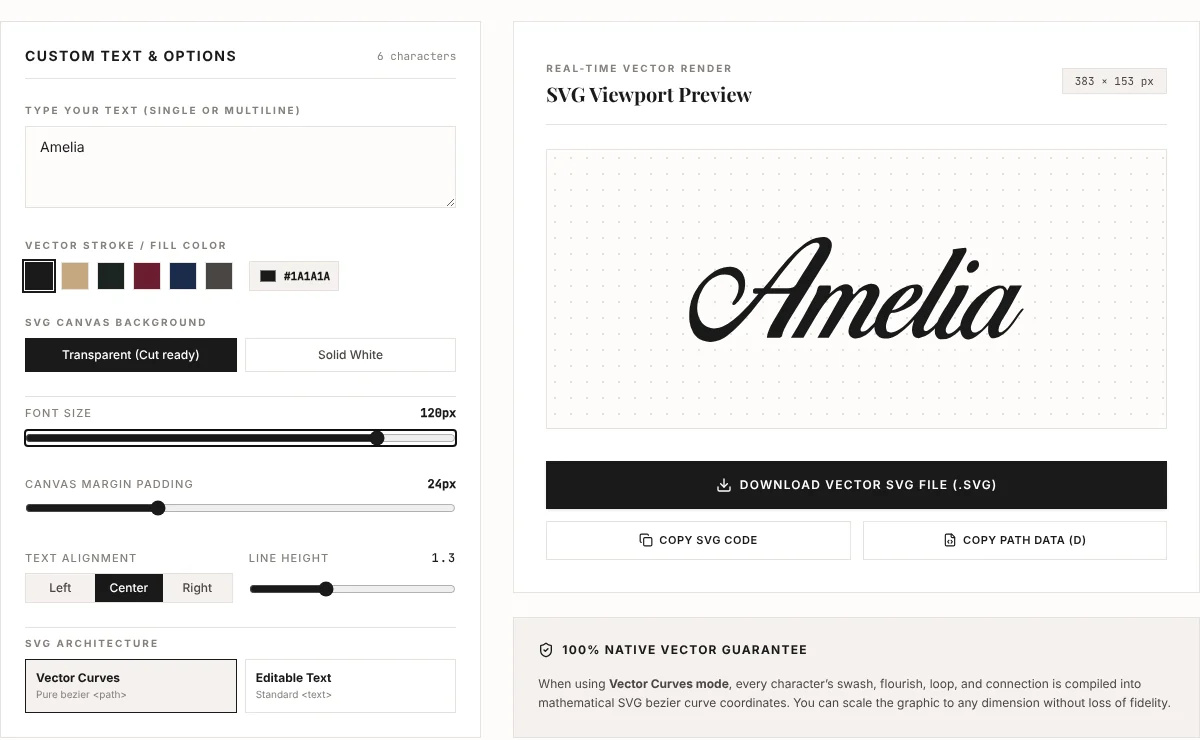
Preview names and words, or export them as an SVG for Cricut, Silhouette or a tattoo stencil.